
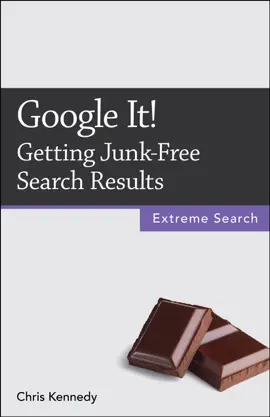
Your Google searches are too broad if:
• They yield millions of results.
• You have to wade through pages of ads and junk to find what you're looking for.
• The results are flooded with spammy, low-quality sites and content farms like about.com and ehow.com.
Google's simple interface hides a lot of power. With a few simple tricks, you can find what you need quickly and accurately.
Contents
1. Search for Multiple Words
2. Case Doesn't Matter
3. Omit Stop Words
4. Quote Exact Phrases
5. Rearrange Search Words
6. Swap Singular and Plural Forms
7. Use Wildcards for Unknown Words (* Operator)
8. Specify a Range of Numbers (.. Operator)
9. Omit (Most) Punctuation
10. Exclude Terms (- Operator)
11. Find Exact Terms (Quote Operator)
12. Find Synonyms (~ Operator)
13. Find Alternate Terms (OR Operator)
14. Find Verbatim Terms
15. Use Search Operators
16. Do Common Searches Quickly
About the Author
Chris Kennedy is a technical writer based in Boulder, Colorado. When he's not typing, Chris climbs rocks, revises his screenplays, and reads the journals of polar explorers.












































Explore Google It!: Getting Junk-Free Search Results by Chris Kennedy on eBooksStore by Arnlweb. Discover book details, reader ratings, reviews, release information, genres, and related digital books available through the iTunes Store.
This book is part of our growing collection of bestselling eBooks, popular digital reading materials, and trending author releases. Readers can explore similar books, discover new authors, and browse related genres including fiction, romance, mystery, fantasy, business, self-help, educational books, and more.
Our platform helps readers discover highly rated digital books optimized for smartphones, tablets, laptops, and desktop devices. Browse fast-loading book pages, reader reviews, and popular recommendations from bestselling authors worldwide.