
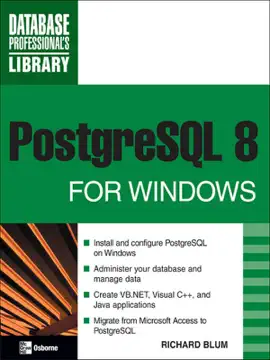
The easiest way to set up a PostgreSQL database server on Windows
Get up-and-running on PostgreSQL quickly using this hands-on guide. Filled with real-world examples, PostgreSQL 8 for Windows offers you practical, step-by-step details on installing, configuring, and using PostgreSQL 8--the full-featured, open-source database management system--on Windows platforms. You'll learn to administer, secure, and tune your database and use SQL. You'll also discover how to interface Microsoft Access, Microsoft .NET, Visual C++, and Java with the PostgreSQL database.
Install and configure PostgreSQL 8 on Windows
Customize your system using the configuration files
Work with the utilities
Administer your database from the pgAdmin III graphical interface
Use the psql command line program to manually execute SQL commands
Take advantage of built-in functions or create your own stored procedures and triggers
Implement tested security measures
Maintain optimal database performance
Access a PostgreSQL database from a Microsoft Access application and migrate Access databases to PostgreSQL
Create .NET, Visual C++, and Java applications that interface with your PostgreSQL server
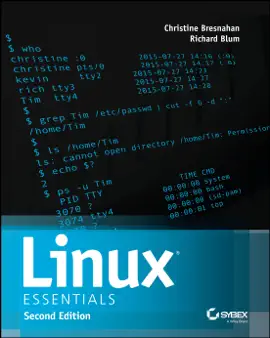

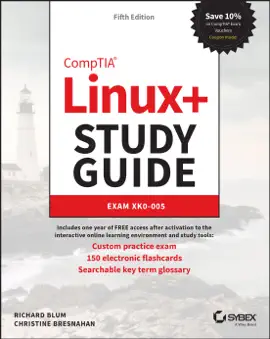
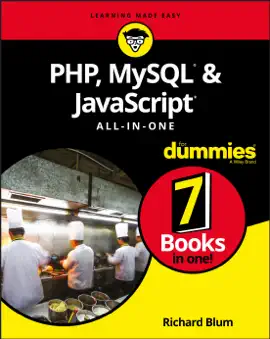












Explore PostgreSQL 8 for Windows by Richard Blum on eBooksStore by Arnlweb. Discover book details, reader ratings, reviews, release information, genres, and related digital books available through the iTunes Store.
This book is part of our growing collection of bestselling eBooks, popular digital reading materials, and trending author releases. Readers can explore similar books, discover new authors, and browse related genres including fiction, romance, mystery, fantasy, business, self-help, educational books, and more.
Our platform helps readers discover highly rated digital books optimized for smartphones, tablets, laptops, and desktop devices. Browse fast-loading book pages, reader reviews, and popular recommendations from bestselling authors worldwide.