
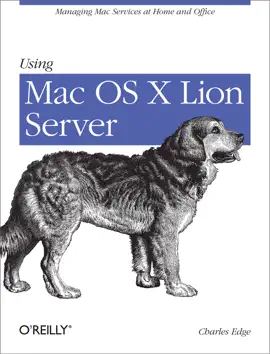
If you’re considering a Mac OS X server for your small business, school, nonprofit, or home network, this easy-to-follow guide will help you get up and running in no time. You’ll learn how to share files, mail, and calendar information on your desktops, iPads, iPhones, and other devices, whether you’re new to Mac OS X servers or need to update your skills for the Lion edition.
Discover how to configure your network to include multiple operating systems—including Mac, iOS, and Windows—and set up servers for wikis, websites, and podcasts with relative ease.
Plan your installation to make sure you have the right server hardwareControl data access with permissions, and use Apple’s Time Machine to back up your networkShare contacts, schedules, and instant messaging with groupwareManage wikis, blogs, and websites with Lion’s web serviceBuild an email server and protect it against spam and malwareHandle preferences for the network’s Apple computers and iOS devicesDeploy new Apple computers to the network with disk imaging
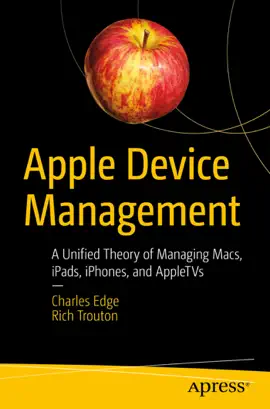


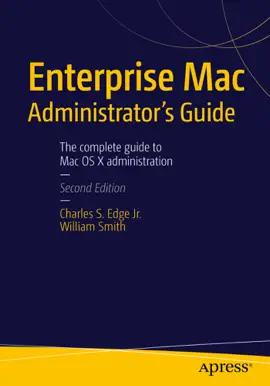
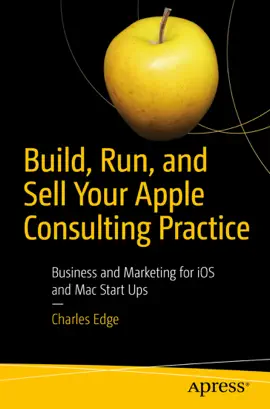

Explore Using Mac OS X Lion Server by Charles Edge on eBooksStore by Arnlweb. Discover book details, reader ratings, reviews, release information, genres, and related digital books available through the iTunes Store.
This book is part of our growing collection of bestselling eBooks, popular digital reading materials, and trending author releases. Readers can explore similar books, discover new authors, and browse related genres including fiction, romance, mystery, fantasy, business, self-help, educational books, and more.
Our platform helps readers discover highly rated digital books optimized for smartphones, tablets, laptops, and desktop devices. Browse fast-loading book pages, reader reviews, and popular recommendations from bestselling authors worldwide.